Das Content elements
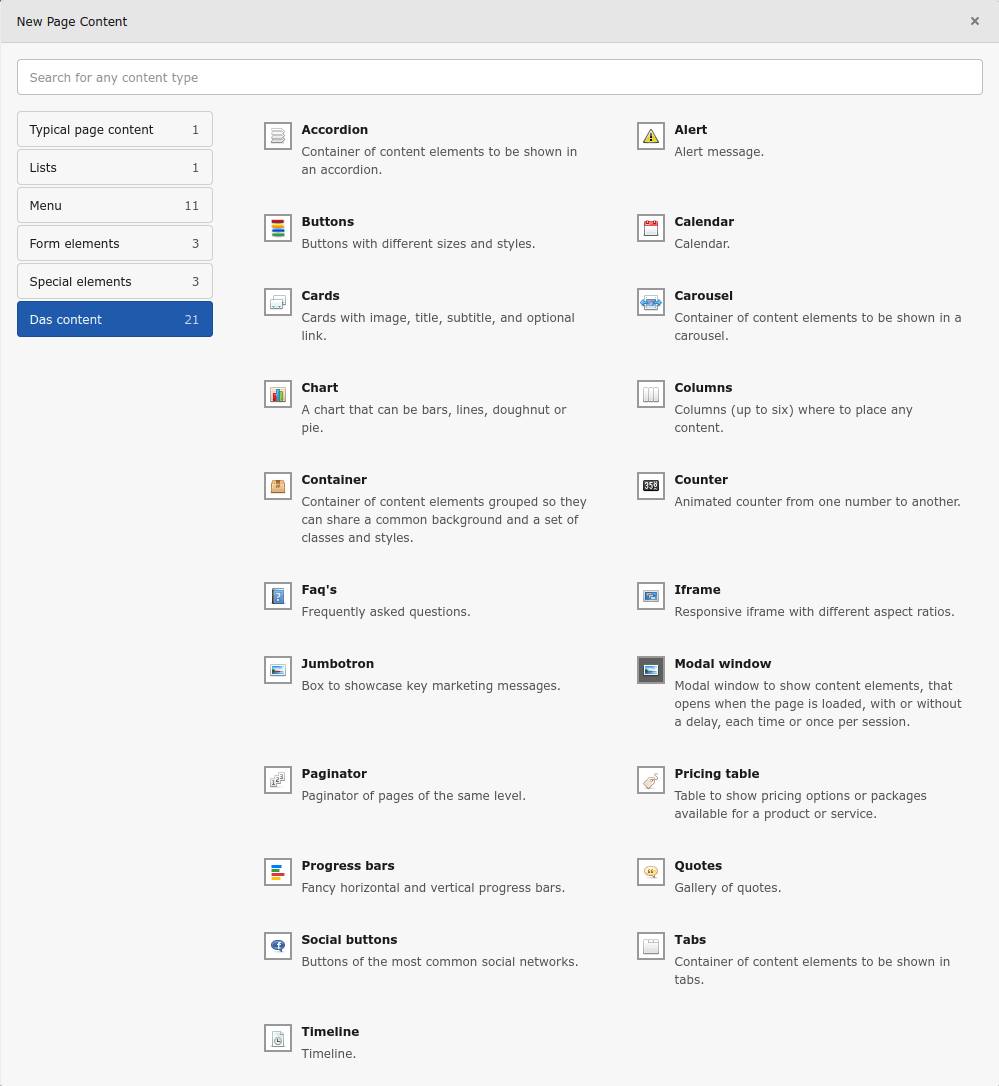
Das comes with a set of ready to use content elements, which cover a wide range of options: Accordion, Alert, Audio player, Before/after image, Buttons, Calendar, Cards, Carousel, Chart, Circle counters, Columns, Container, Countdown, Counter, Faq's, Iframe, Jumbotron, Magnifier glass, Map, Masked image, Modal window, News ticker, Paginator, Poll, Pricing table, Progress bars, Quotes, Random CE, Share page, Side CE, Social buttons, Tabs, and Timeline.
Content elements have been enhanced with some extra fields.
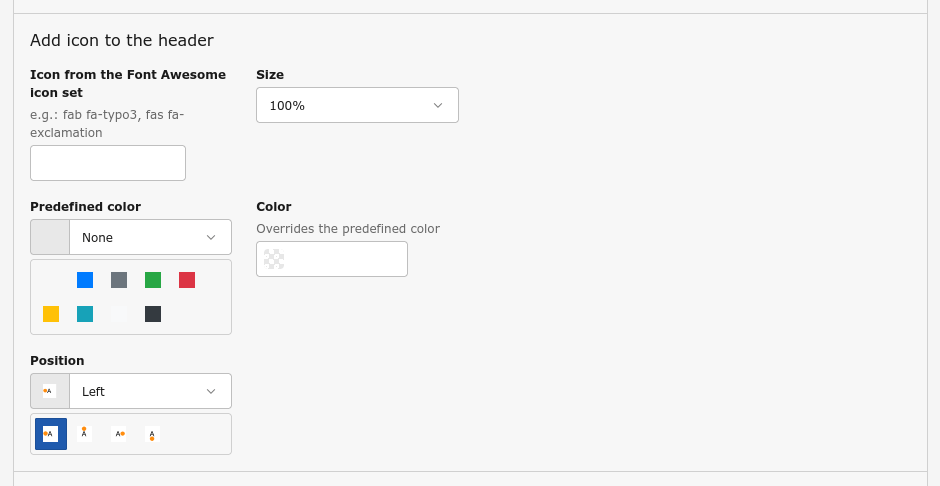
The Headlines palette has now some extra fields for a Pre header and to allow to style the header independently from the chosen layout.
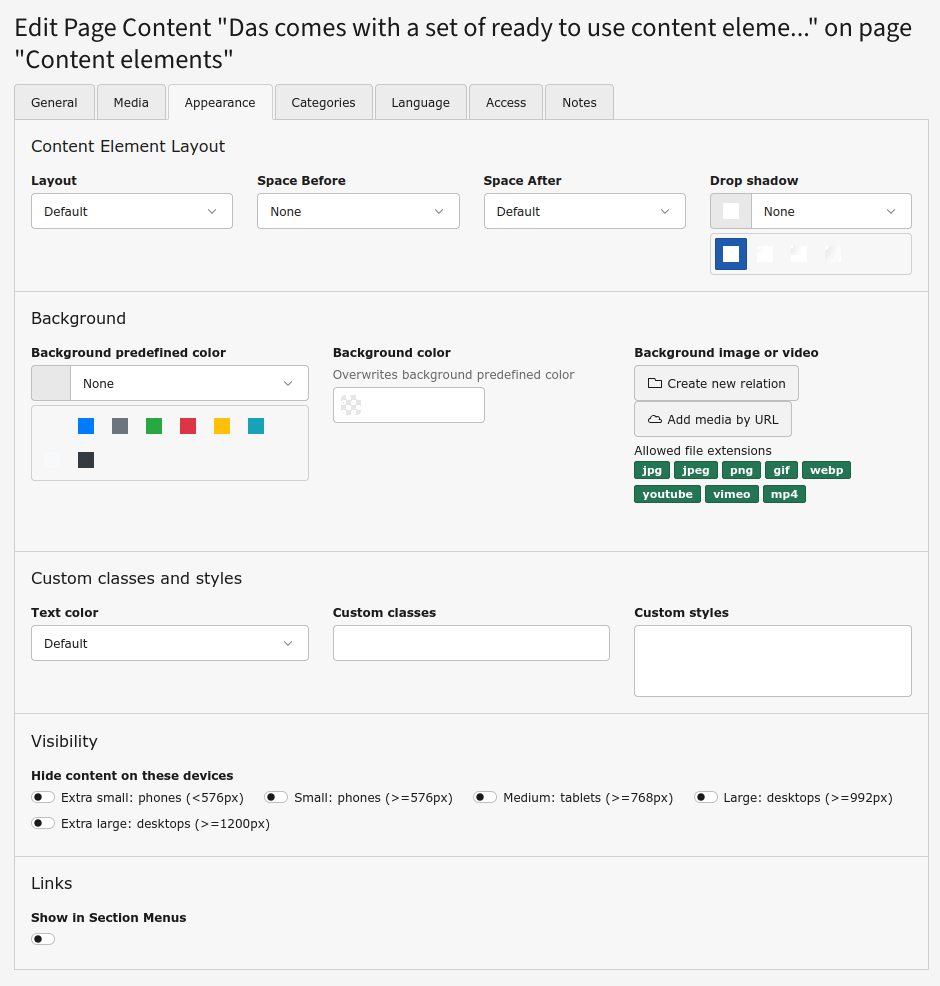
The Appearance tab has now some extra fields and new predefined options for the field Layout:
- Layout: the new options allow to choose the width of the content, which can go from 50% of the default width to 100% of the viewport
- Drop shadow: to add a drop shadow around the content, with different intensities
- Background: this new palette allows to add a background to the content. It can be a predefined or custom color, and an image or a video. If an image or video, it can be blurred or have a vignette, to make the text more readable
- Add icon to the header: this new palette allows to add a Font Awesome icon to the header, allowing to choose its size, position and color
- Custom classes and styles: this new palette allows to force the text to be black or white regardless the styles (useful when setting a background) and add classes and custom inline styles to be applied to the content
- Visibility: this new palette allows to set the visibility of the content for each break point
If not needed, the new fields can be disabled via TSConfig.